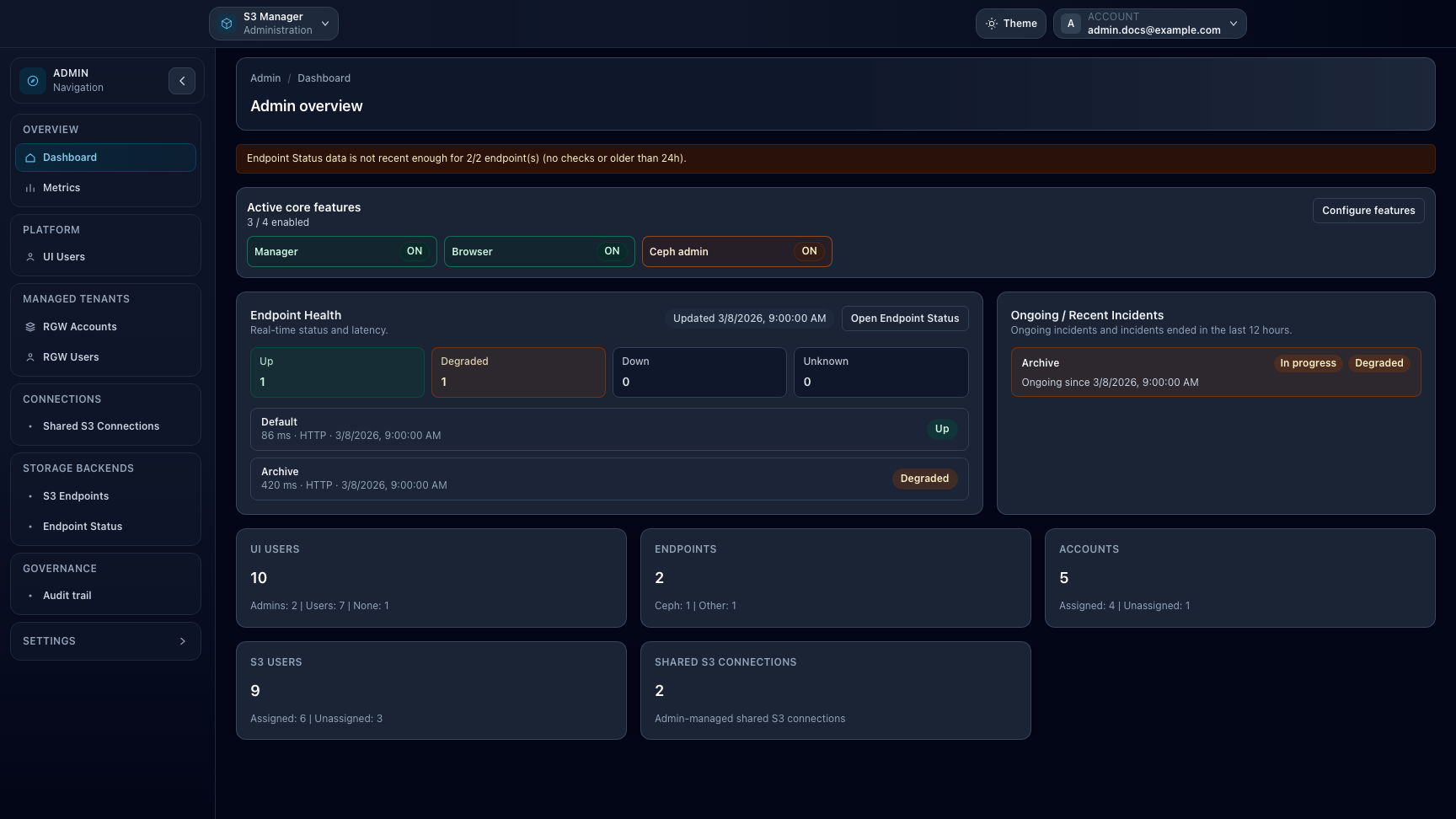
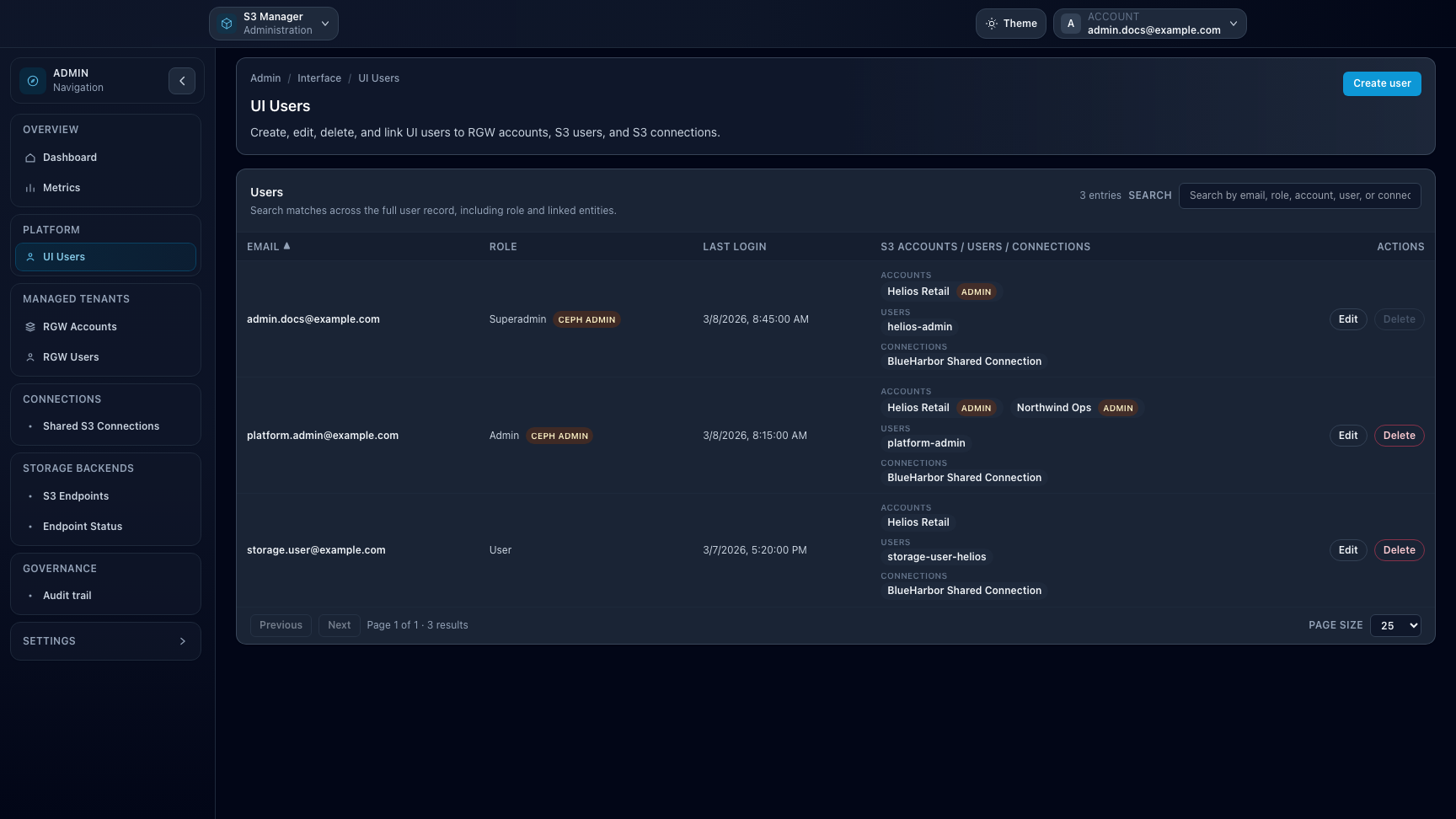
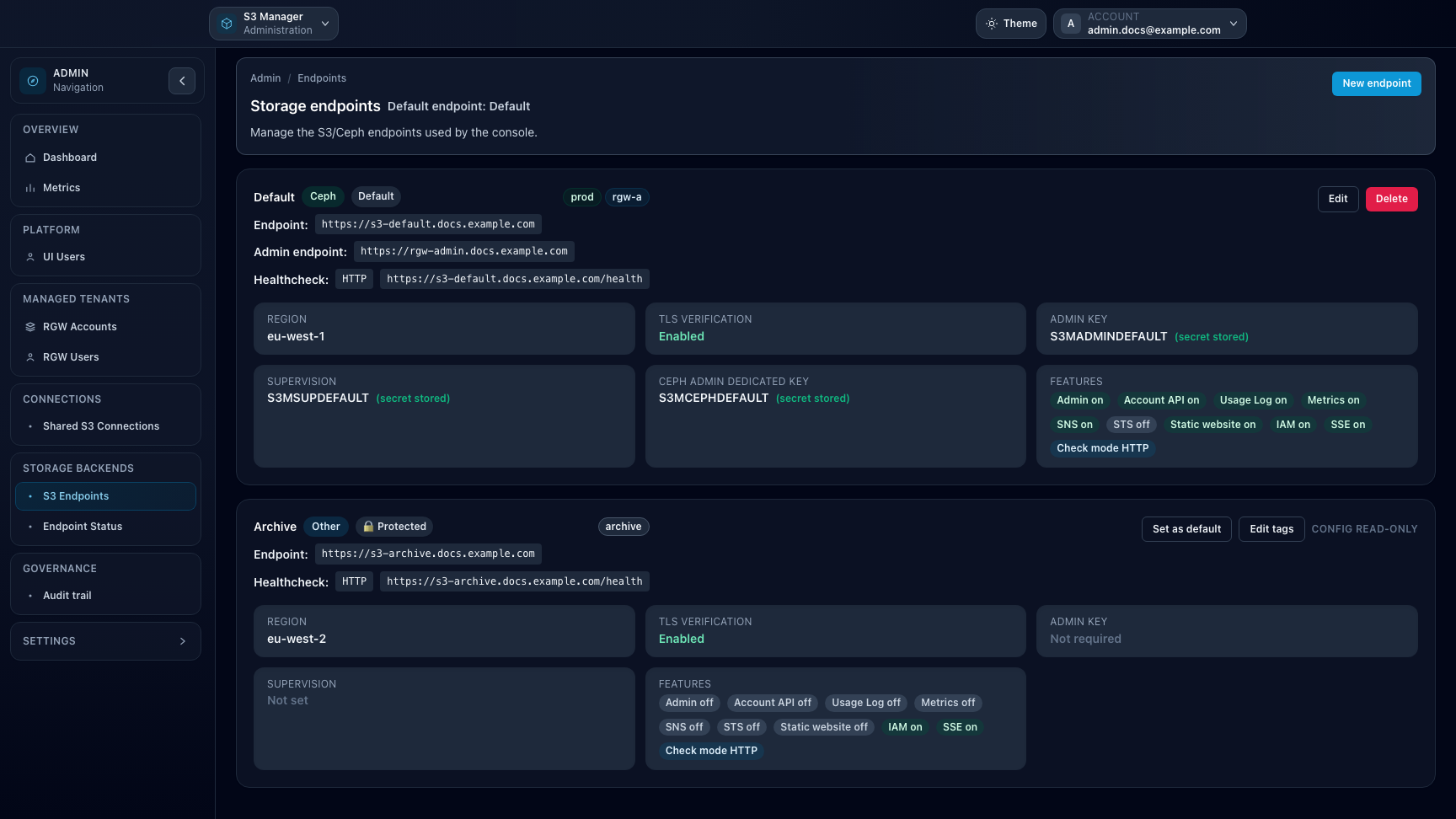
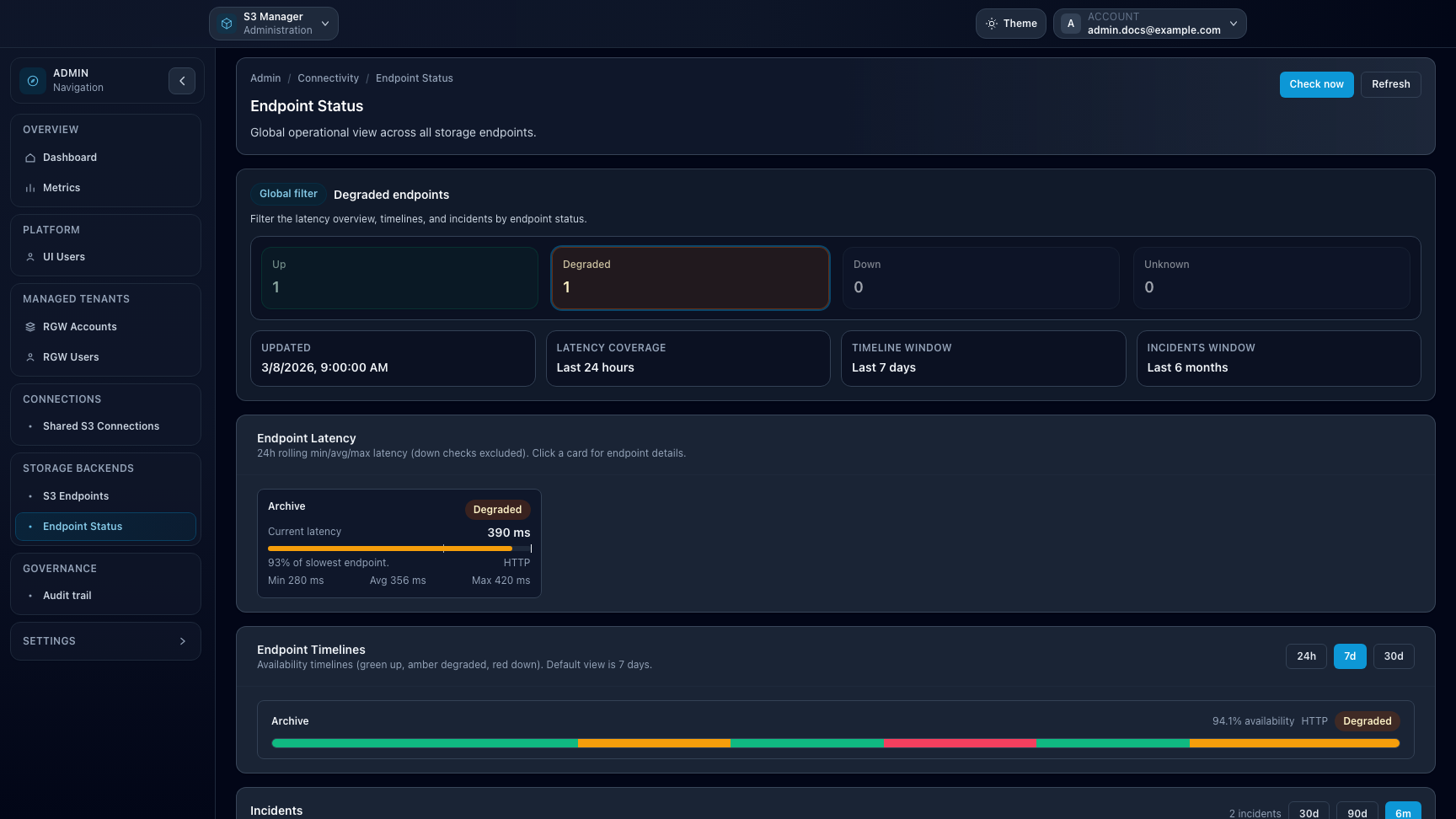
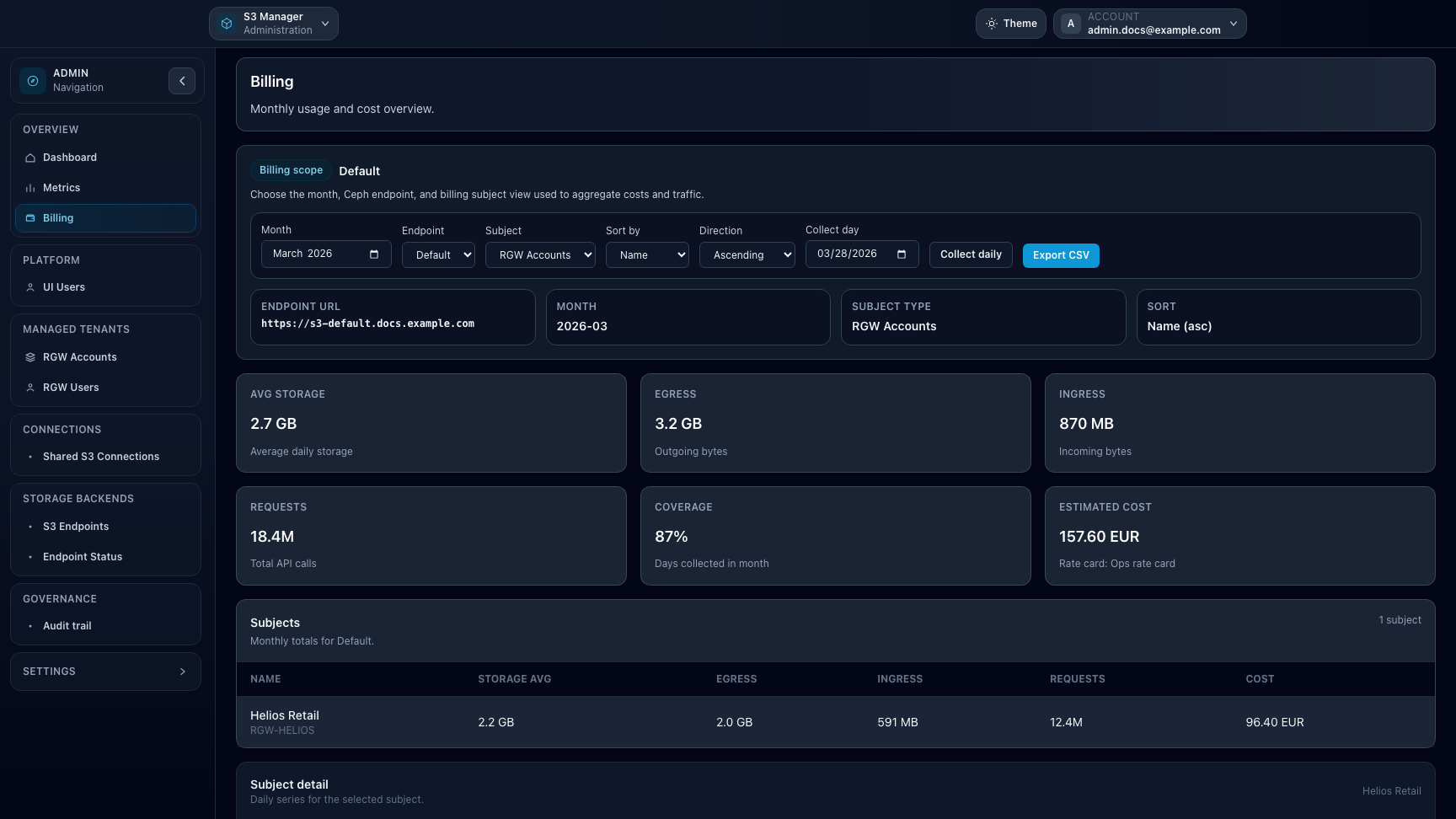
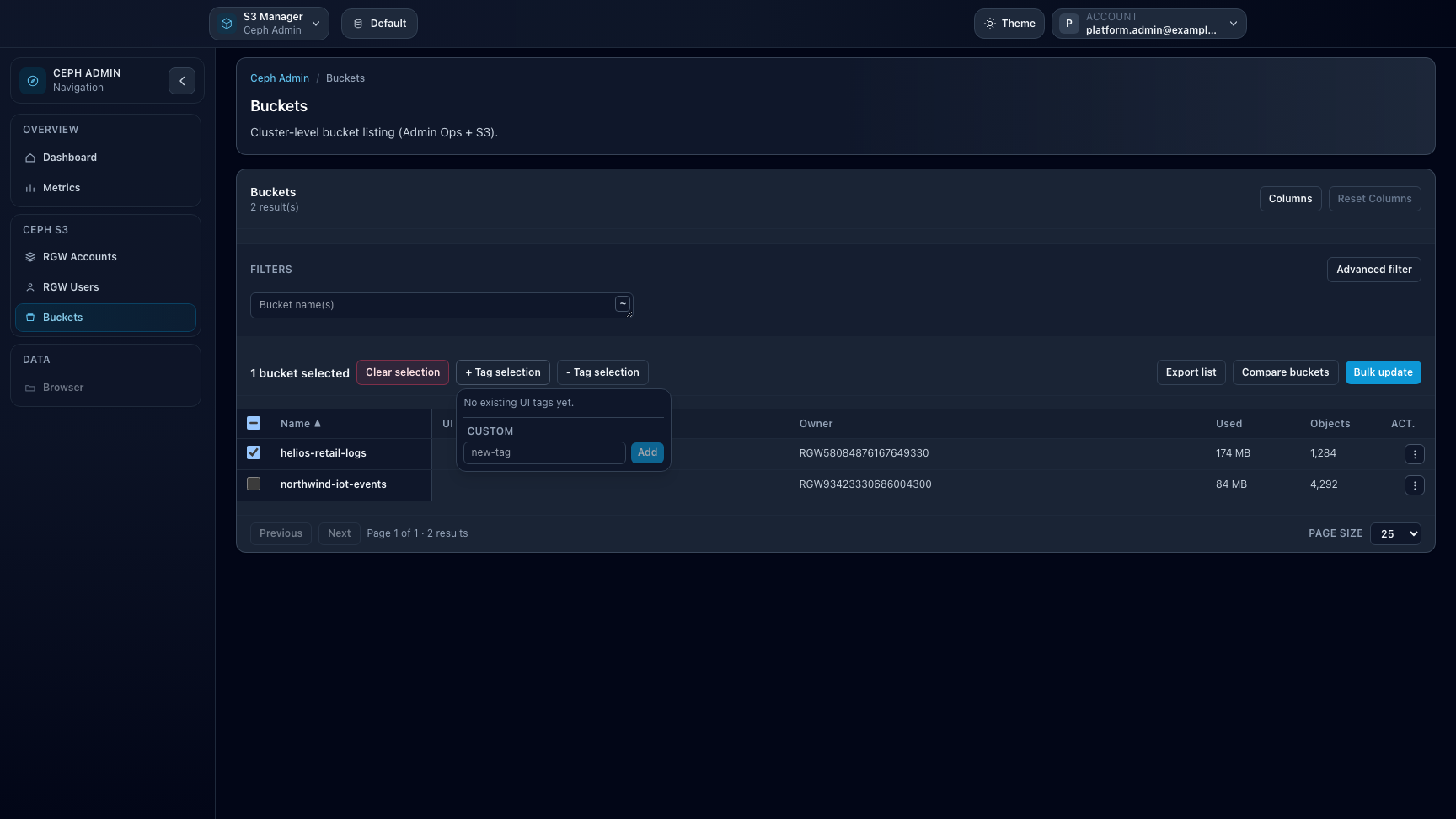
Overview. The Admin workspace groups platform navigation, governance entry points, and high-level health signals for daily operators.UI Users. This page centralizes workspace roles, Ceph Admin and Storage Ops access, and the main account associations for each user.Storage endpoints. Endpoint cards surface provider capabilities, credential posture, and feature toggles before tenant resources are attached to them.Endpoint Status. Global healthcheck views combine current latency, timeline trends, and incident history across storage backends.Billing. Billing analytics summarize monthly usage and estimated cost per account or user on billing-enabled Ceph endpoints.
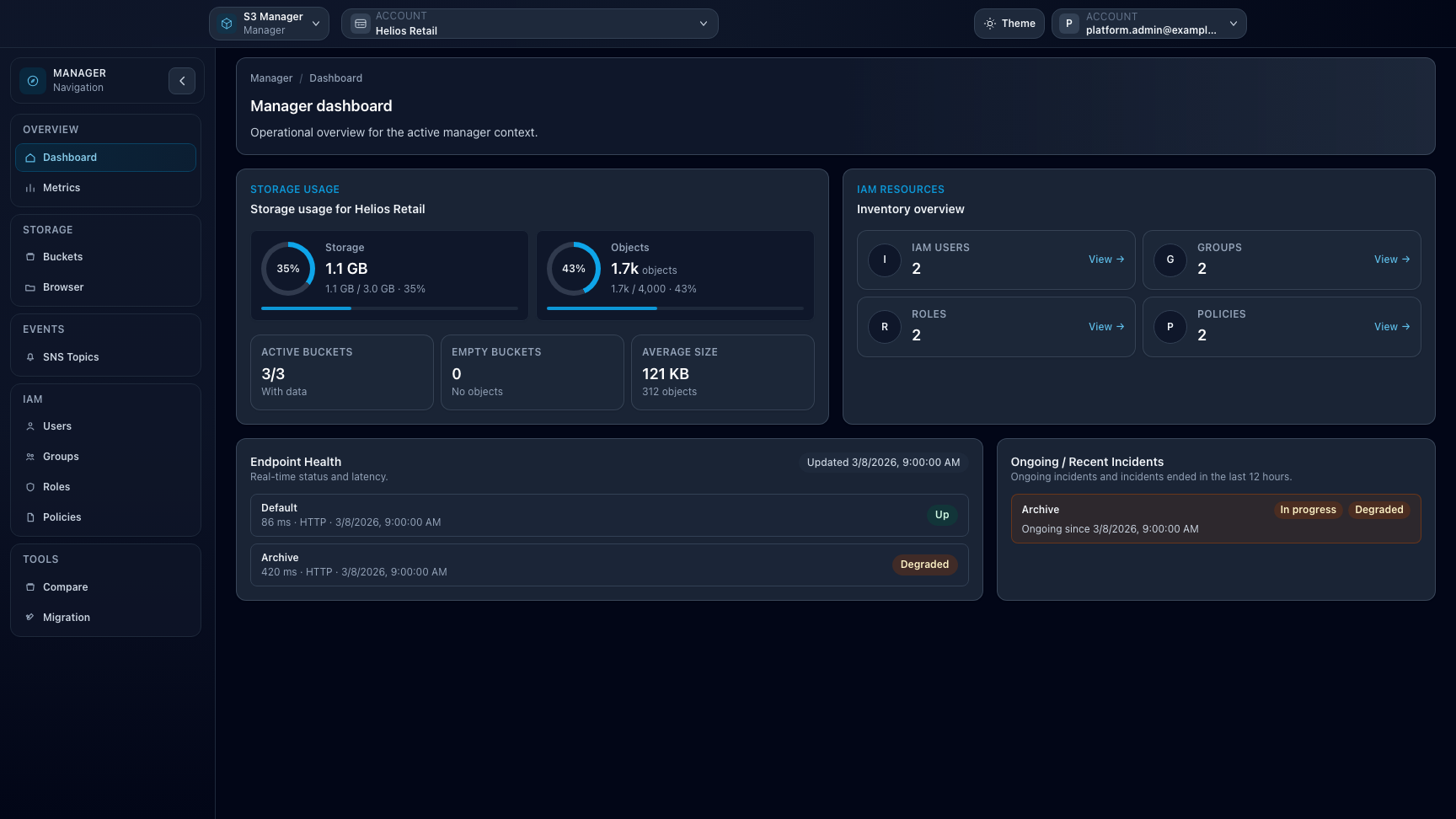
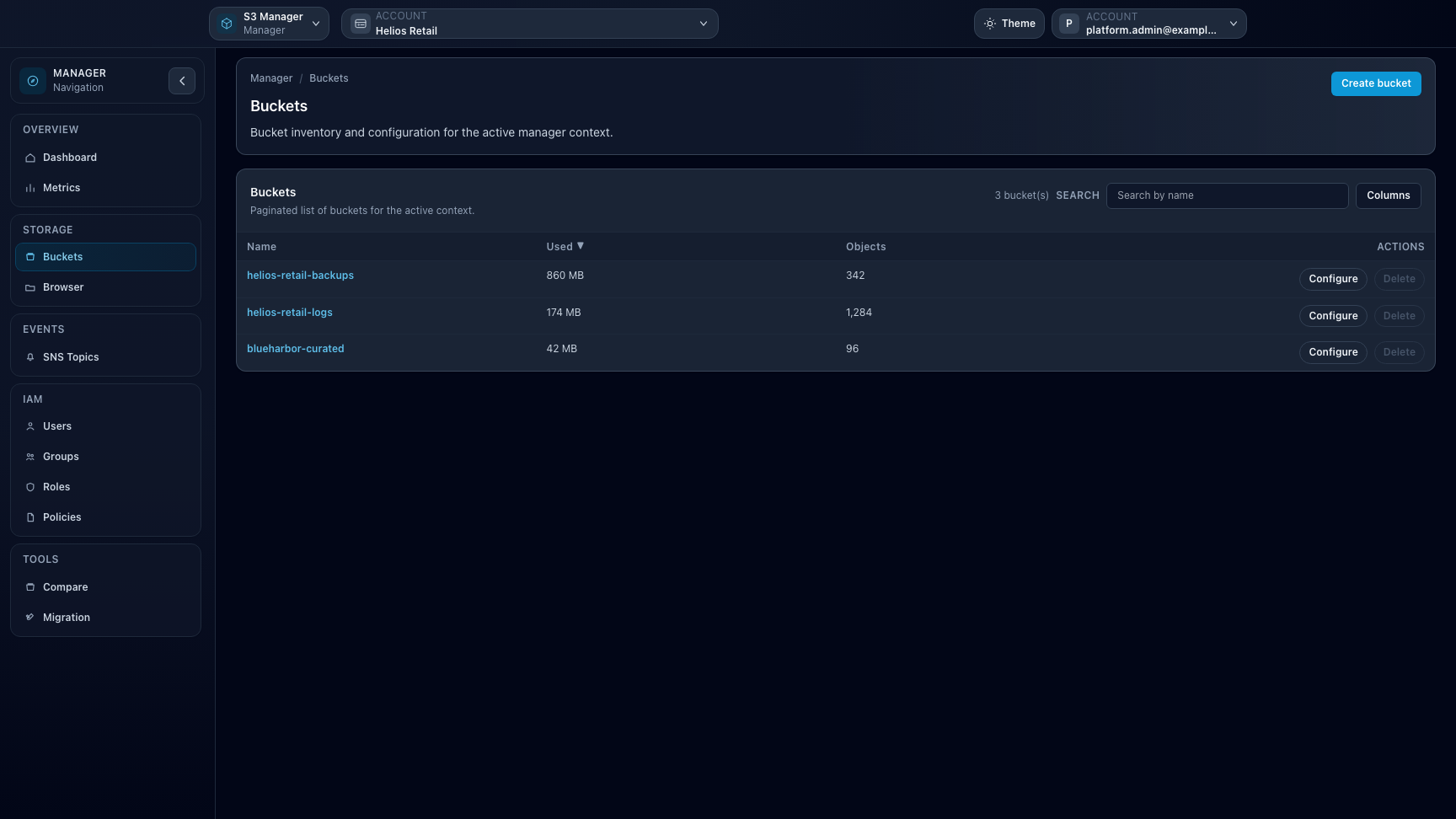
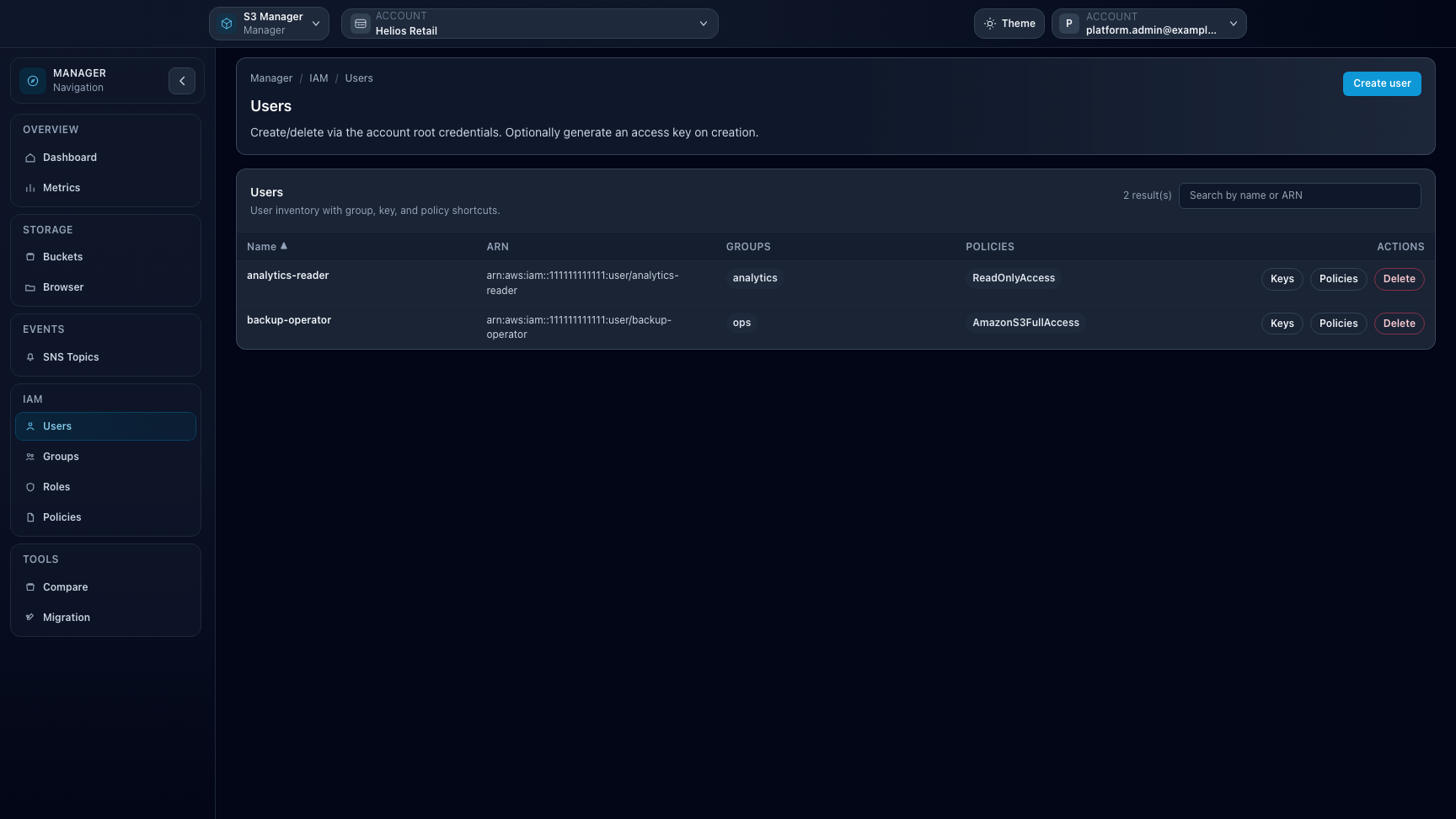
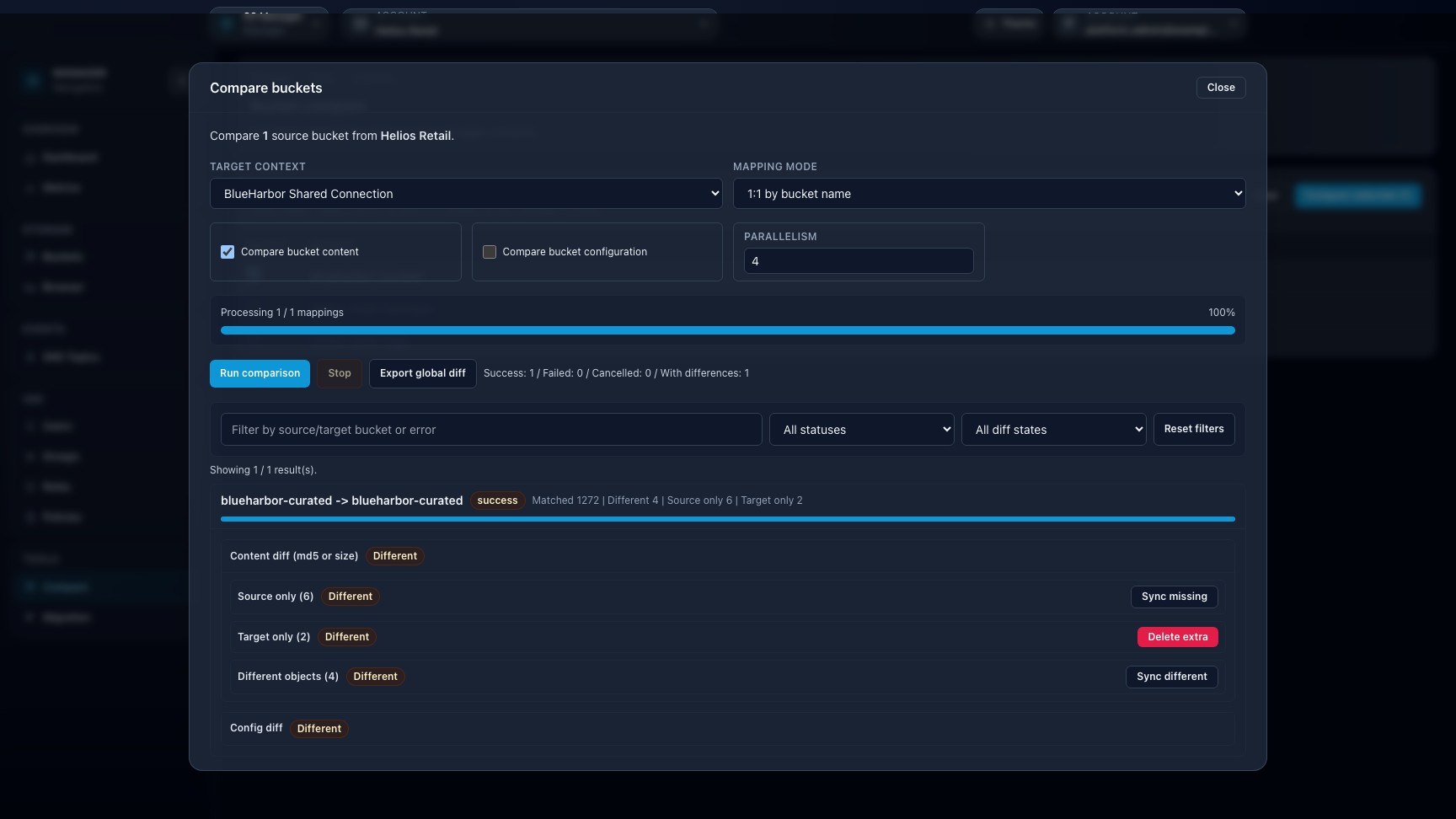
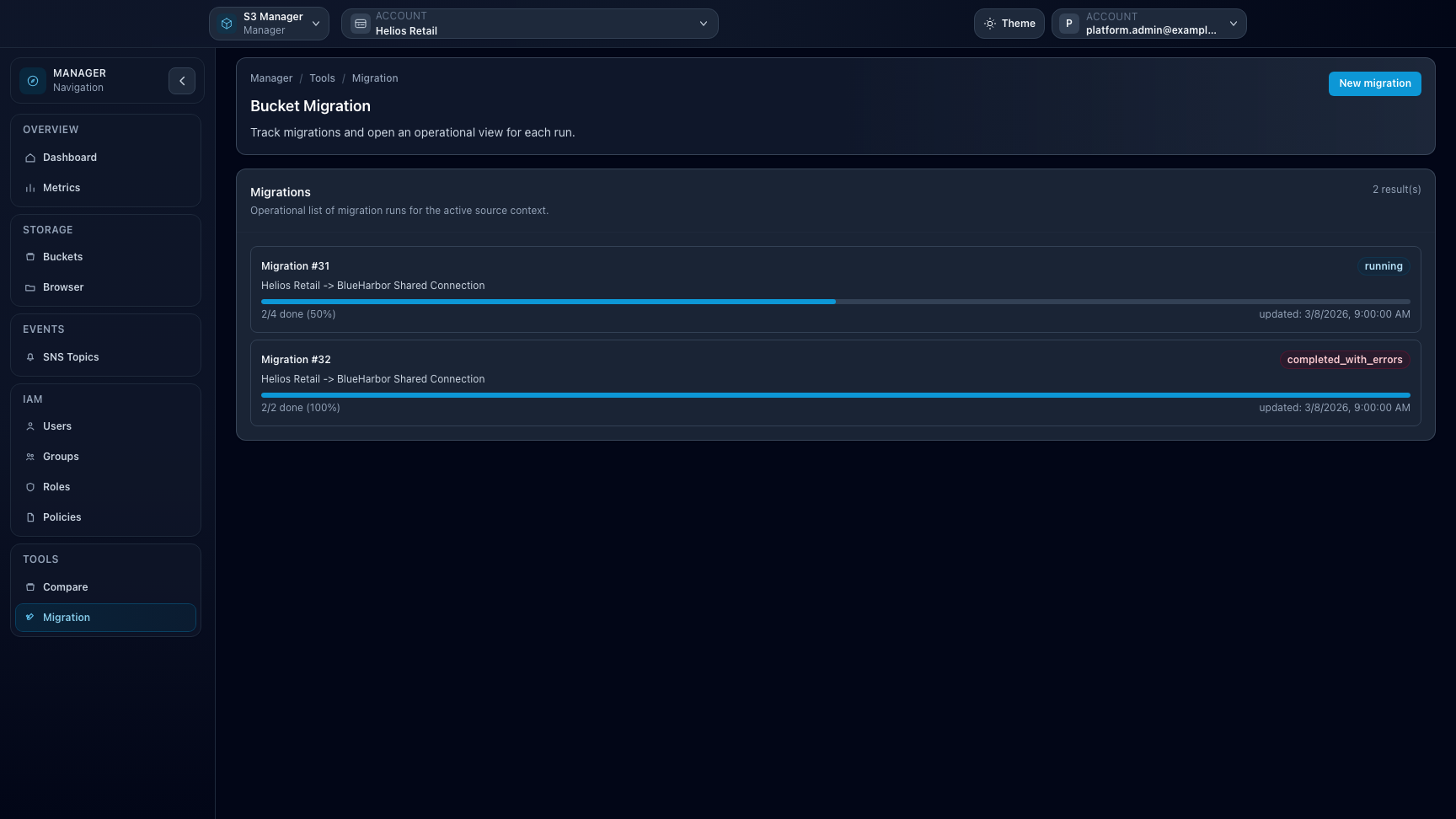
Overview. The Manager dashboard helps tenant administrators jump between buckets, IAM, events, and migration tooling from the selected context.Buckets. Bucket listing highlights ownership, usage, and key capabilities such as versioning, lifecycle, and access controls.IAM. The IAM area exposes native user, group, role, and policy management without hiding storage-side semantics.Bucket compare. Comparison results show drift between source and target buckets before remediation or migration decisions are made.Bucket migration. Migration runs expose prechecks, progress, and operator controls so cross-context transfers remain explicit and auditable.
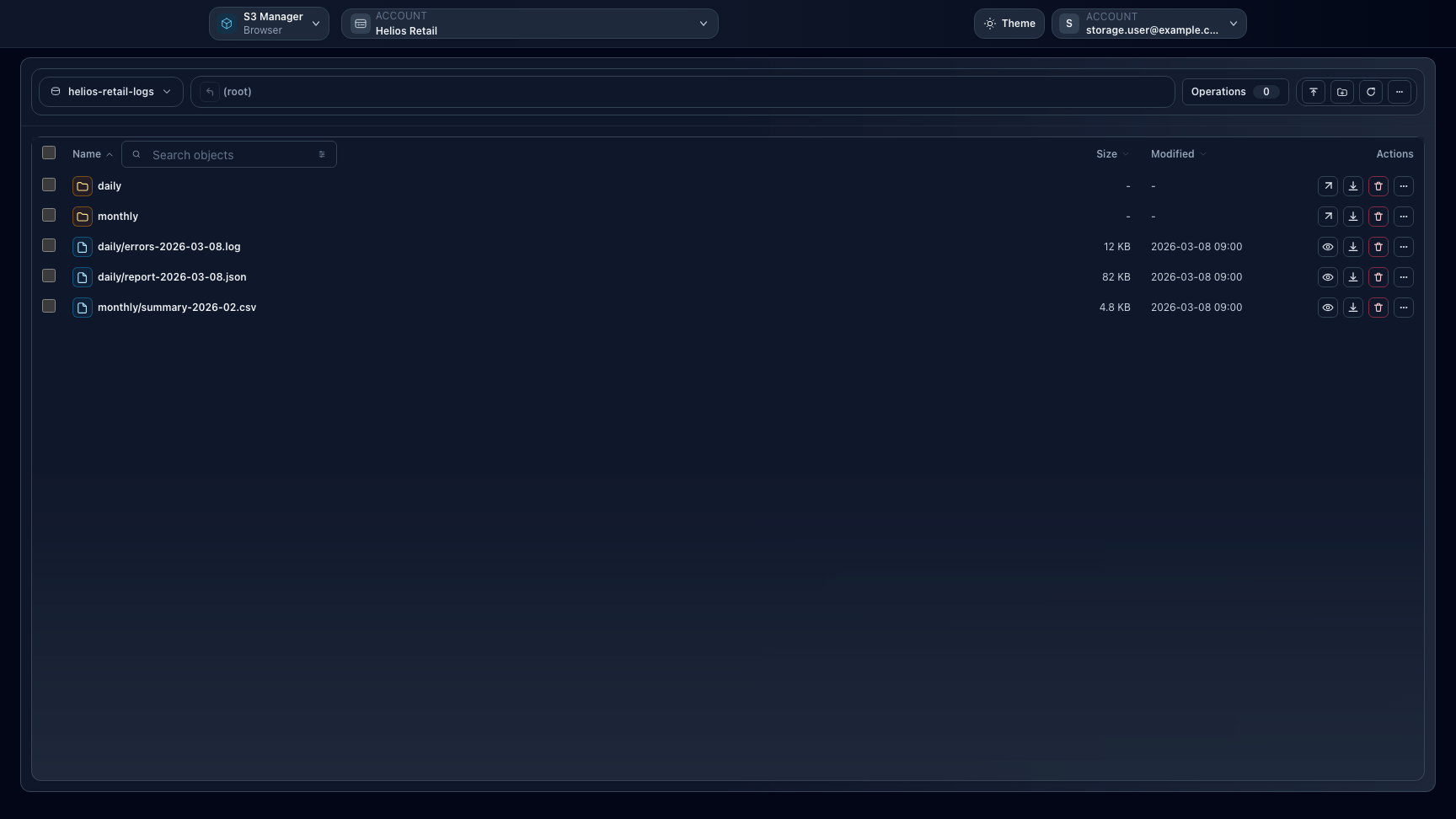
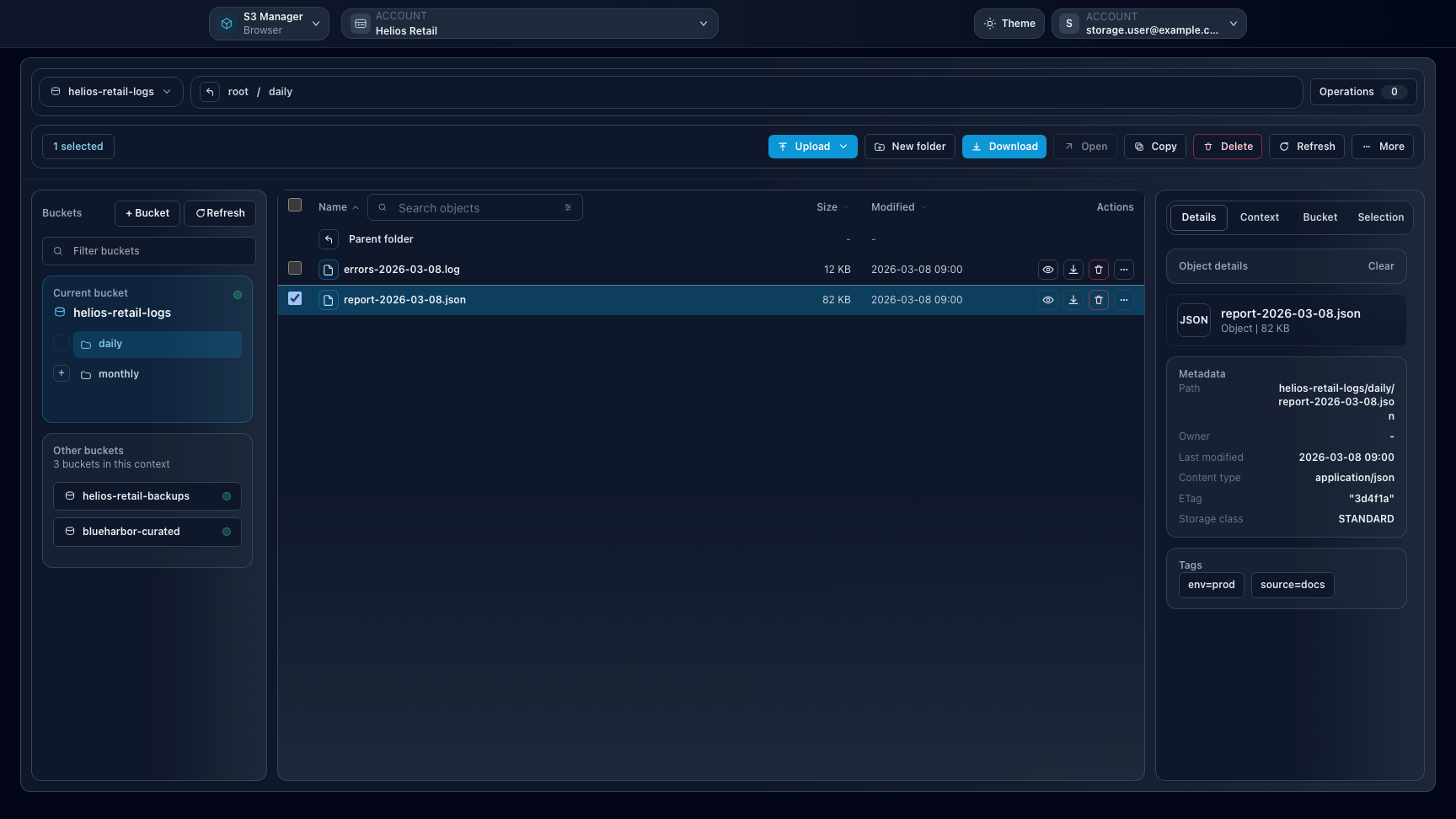
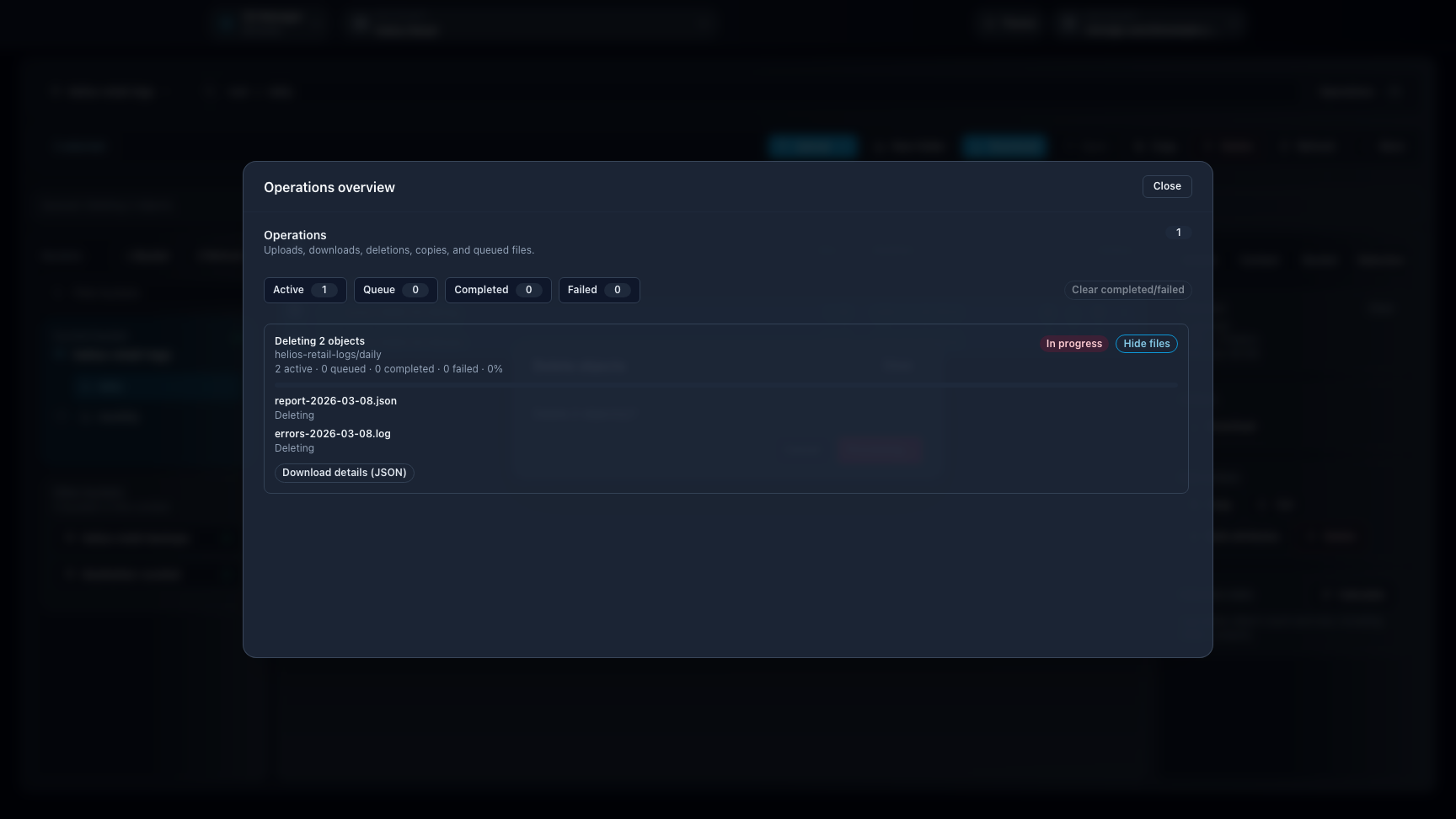
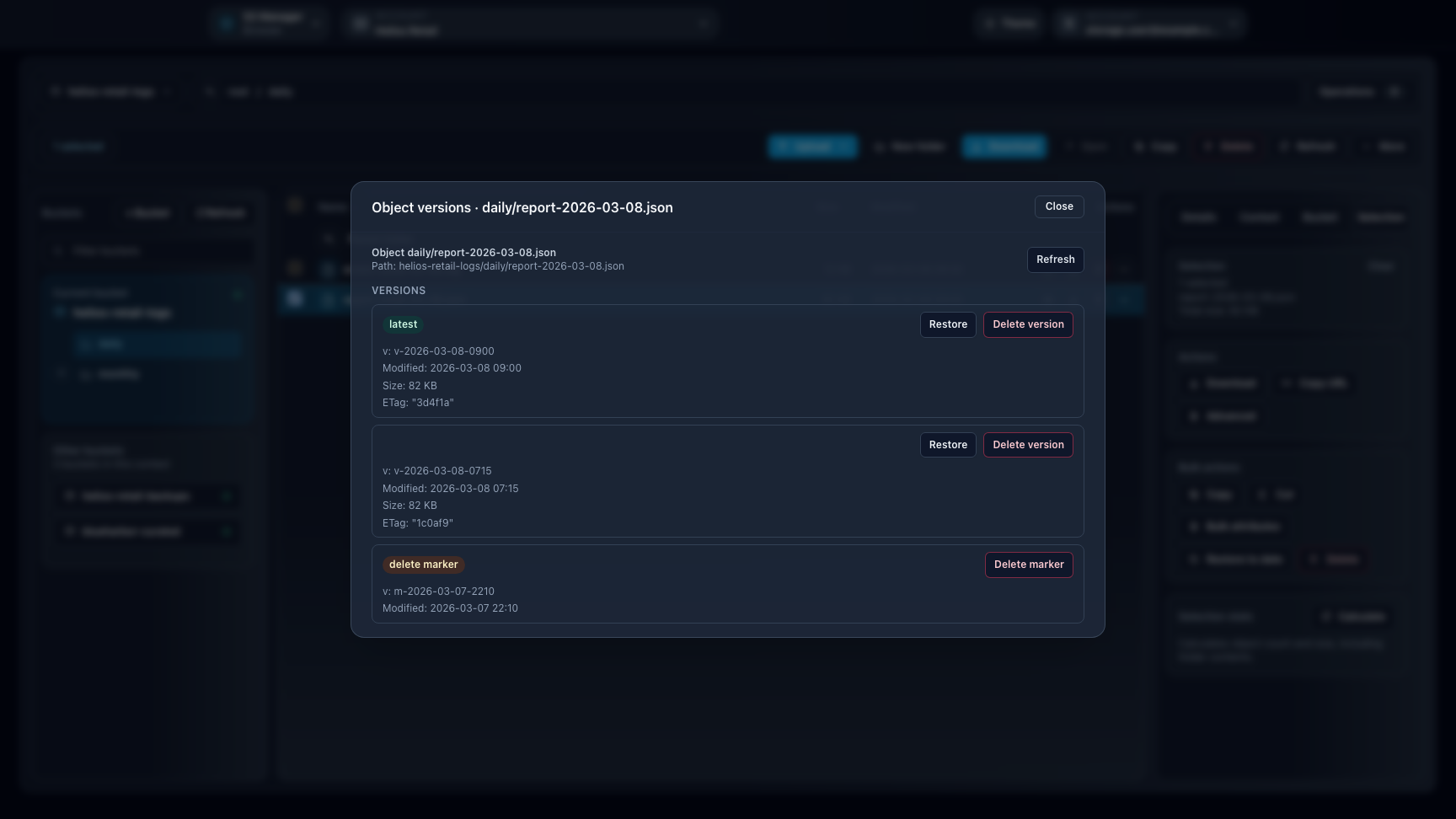
Overview. Browser keeps buckets, prefixes, and object actions in one place for direct day-to-day storage work.Panels. On the main `/browser` workspace, folders, selection actions, and inspector details can stay visible together for faster daily work.Operations overview. Long-running Browser actions stay visible in one modal so users can track queued, active, and completed work.Object history. The versions modal exposes prior object states and delete markers before you restore or remove entries.
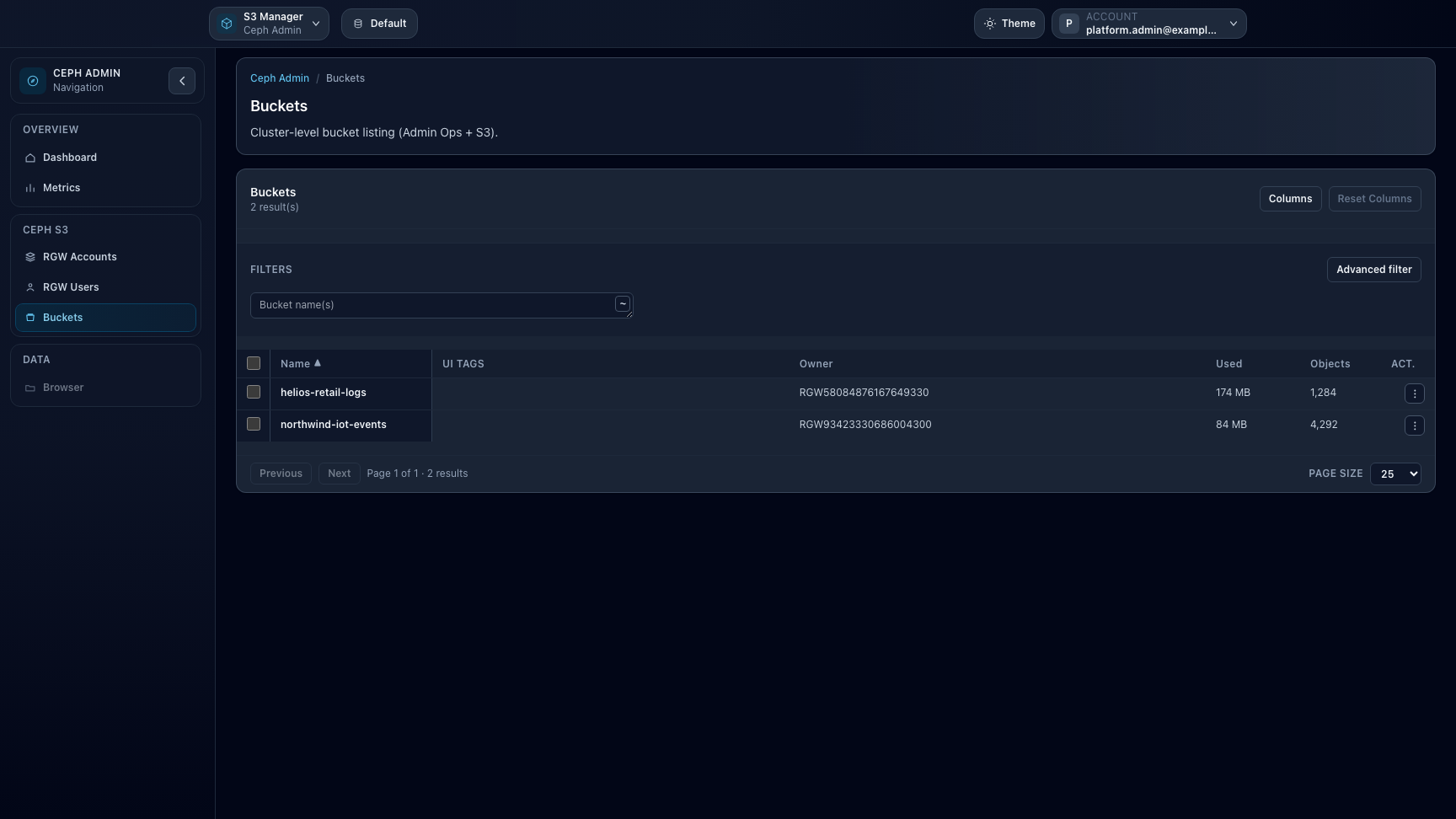
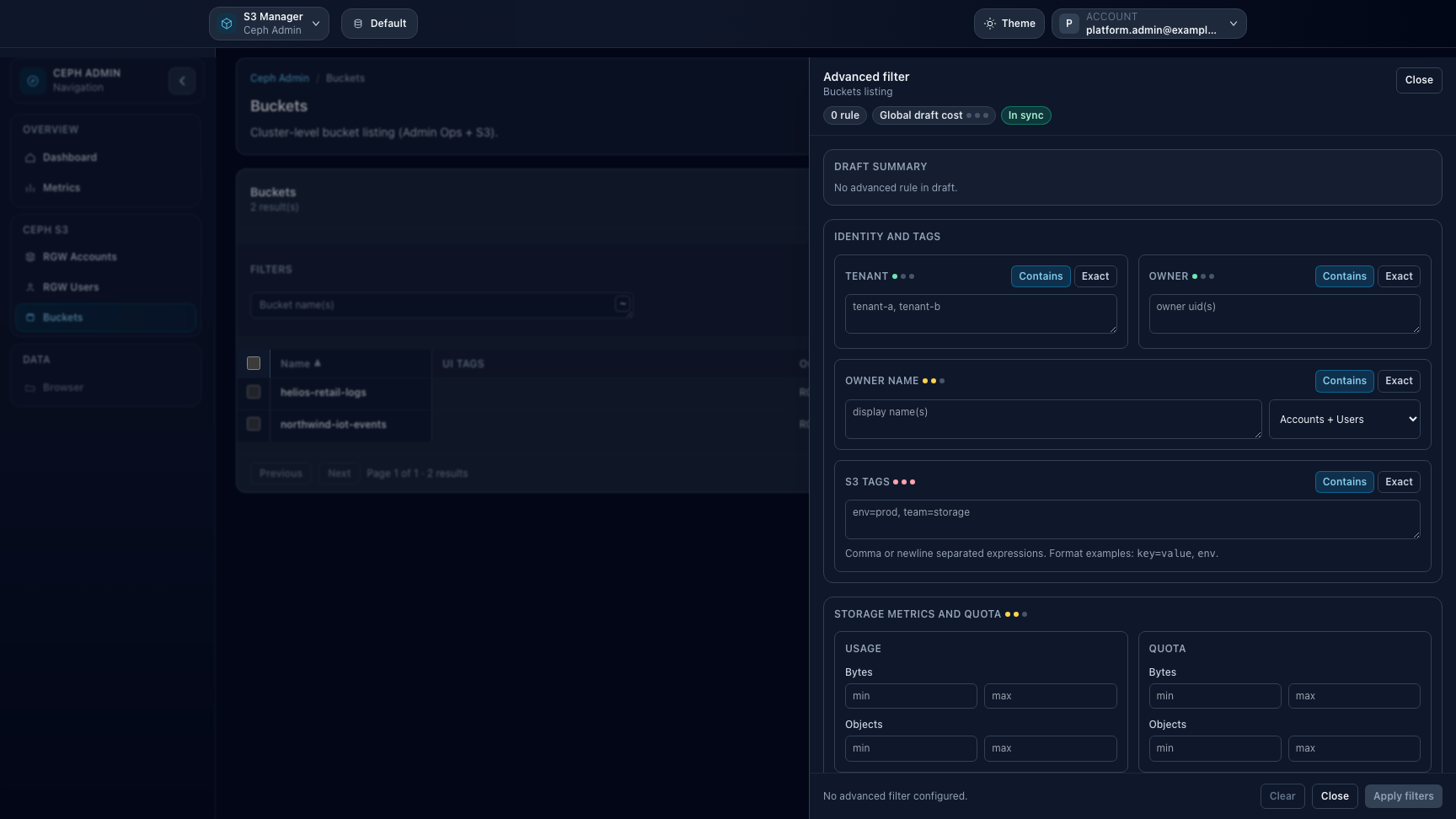
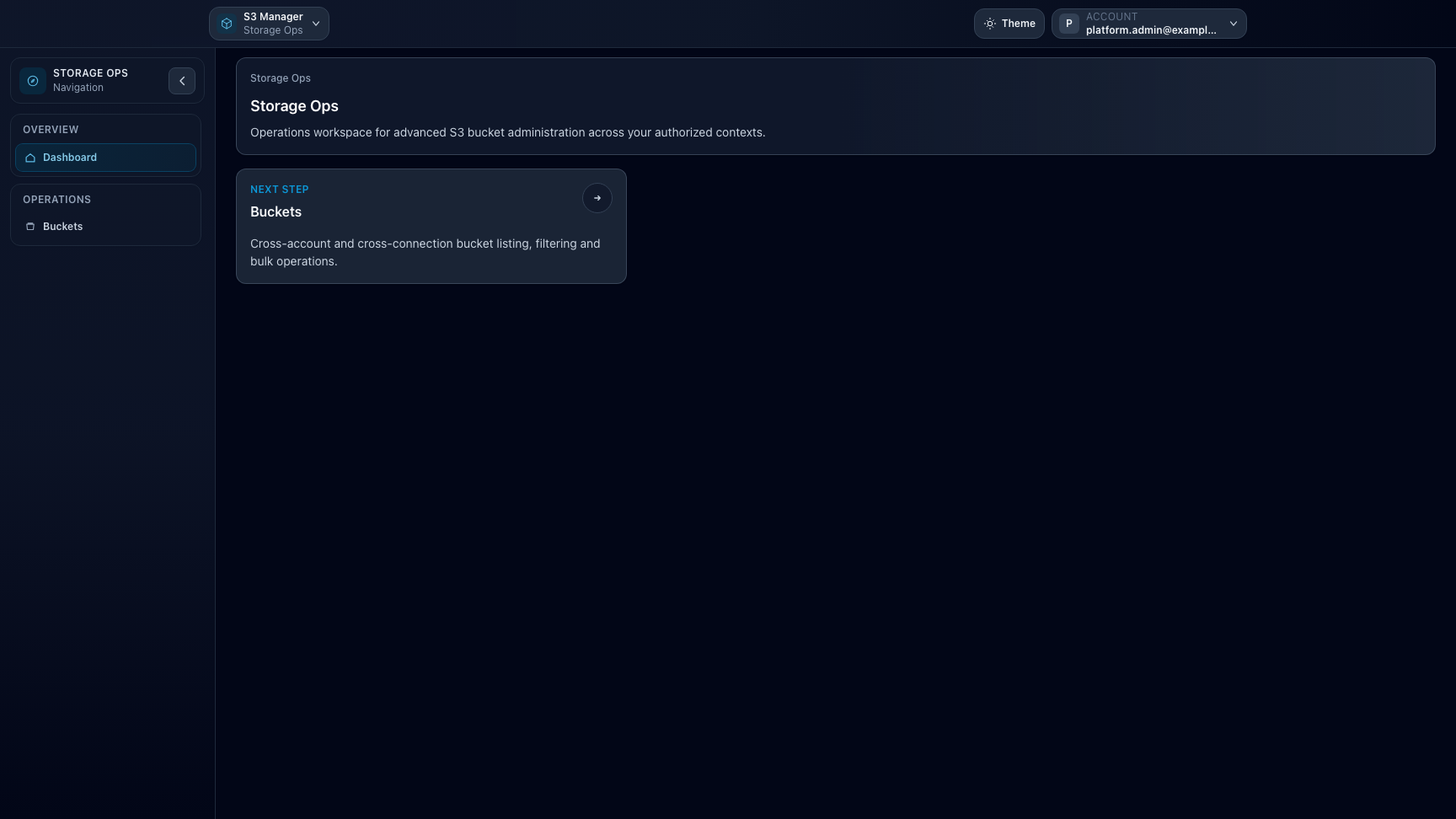
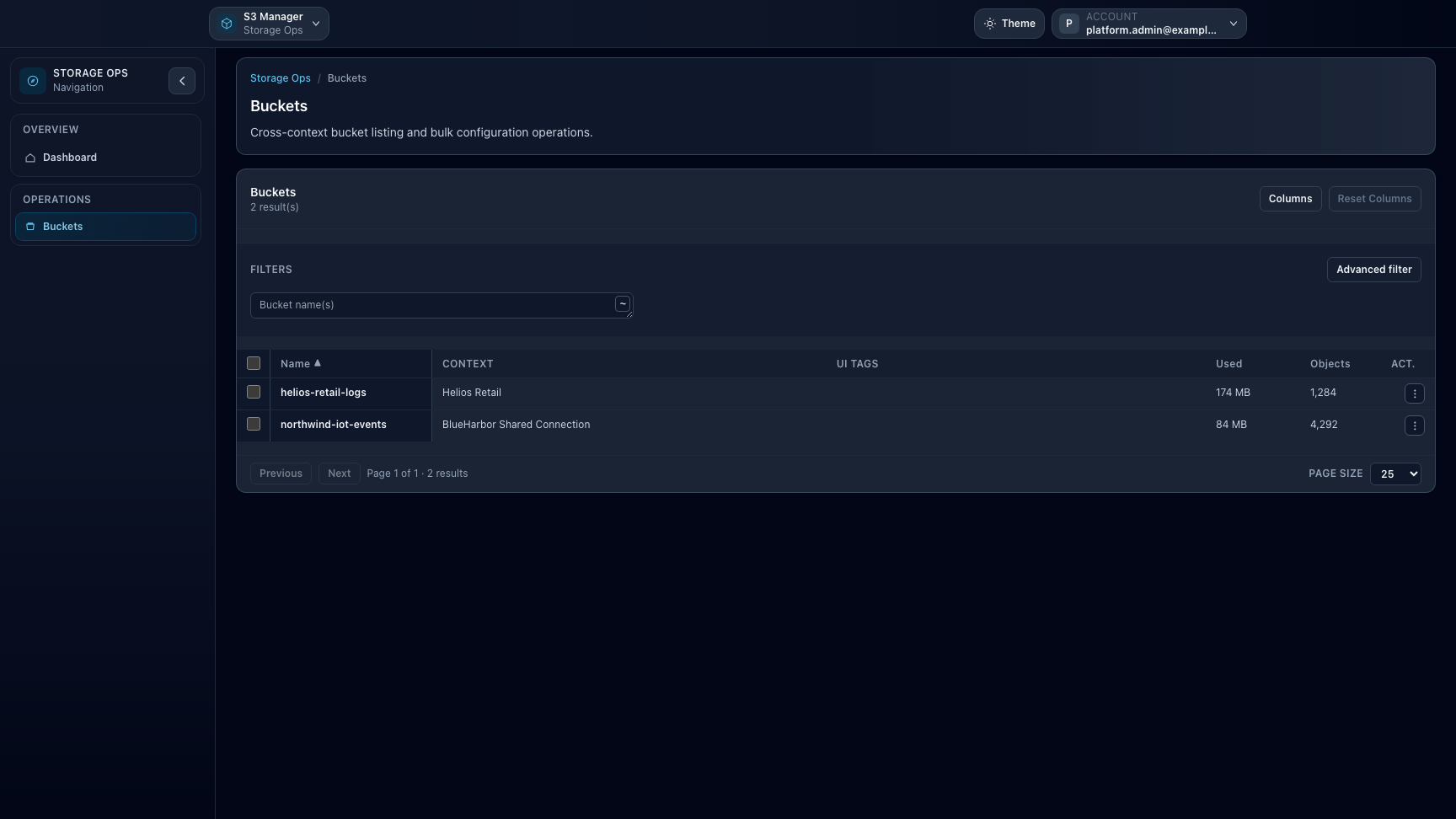
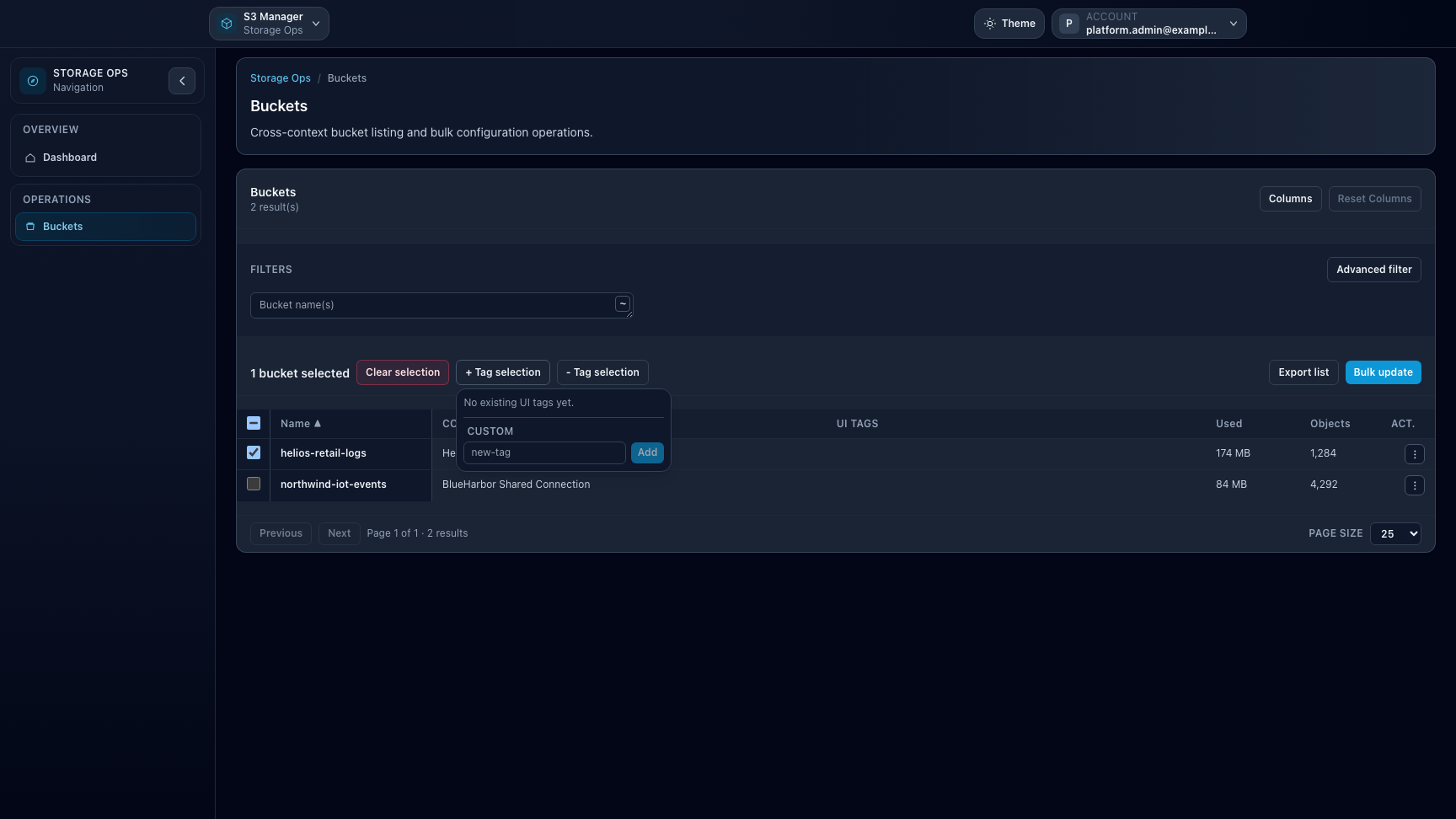
Overview. Storage Ops is a focused workspace for advanced bucket operations across the contexts a user is authorized to inspect.Buckets. The bucket workbench brings together cross-account and cross-connection inventory, filtering, and bulk actions.UI tags. Tagging selected buckets helps operators isolate remediation or migration campaigns across large inventories.
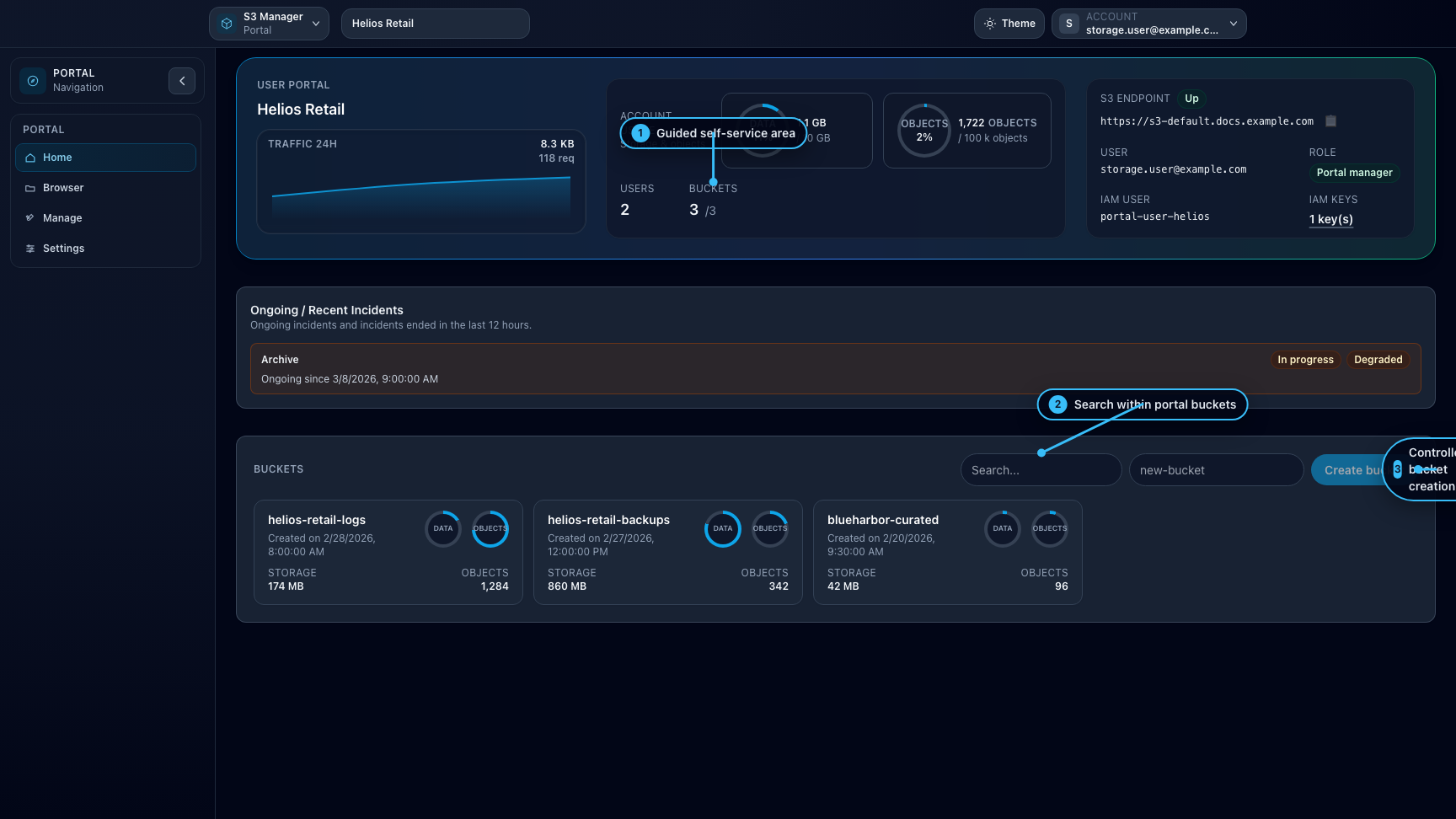
Historical view. Portal is currently removed from the active product surface, but this capture is kept as reference for the earlier guided self-service experience.